Healthcare · Hospitals & diagnostics
Consent and patient rights that follow the hospital — not just the HIS
Kavach is a shared consent layer across registration, clinical, diagnostics, pharmacy, and billing — wired with APIs and webhooks, and optional in-browser help where legacy screens cannot change overnight.
- Cross-department flow
- Inside + outside the campus
- Not owned by one EMR vendor
Touchpoints
Where personal data shows up (grouped)
A lighter map for workshops with clinical and IT — not legal advice; your counsel sets lawful grounds.
| Area | Typical activity | Consent / notice themes |
|---|---|---|
| Registration & front desk | Demographics, ID, insurance, comms preferences, visit creation. | Facility notice; channel choices; marketing separated from care. |
| Outpatient & inpatient clinical | Notes, orders, referrals, ward charts, discharge summaries. | Care delivery; handovers; access by treating team; teleconsult if used. |
| Lab & imaging | Orders, specimens, results, images, reports, teleradiology. | Test/imaging purposes; external reads; retention; patient copies. |
| Pharmacy & supplies | Prescriptions, dispensing, delivery addresses, counselling. | Fulfilment; partners; optional adherence programmes. |
| Theatre, ICU, emergency | Procedure consent artefacts, critical care notes, triage, medico-legal context. | Procedure-specific consent; emergency / legitimate-use paths; later reconciliation. |
| Billing, TPA, digital front door | Claims, pre-auth, website forms, kiosks, campaigns. | Minimisation to payers; same policy version as in-house systems. |
At a glance
Patient flow and where Kavach sits
Two diagrams you can drop into slide decks: the journey clinicians already describe, and how Kavach connects in-hospital systems with partners outside the boundary.
1 · Patient flow across departments
Map notices and purposes to these steps once — registration, diagnostics, pharmacy, and discharge stay aligned instead of each desk inventing wording.
2 · Kavach inside the hospital and beyond
Orders and results that cross the firewall still carry purpose and notice context; the patient portal reflects the same story your compliance team can export.
Purposes
What usually travels with the patient record
- Clinical care — treatment, handover, referrals.
- Diagnostics — tests, imaging, reports, external reads.
- Billing & claims — minimum necessary to insurers / TPAs.
- Quality & safety — audits and statutory reporting where applicable.
- Optional — marketing, research: separated and clearly opted-in.
Kavach does not replace procedure consent forms; it keeps the data protection narrative consistent with the DPDP Act.
Emergency
When care comes first
In ED and trauma, lawful grounds can differ from a calm registration desk. Treat first; document what was processed under urgency and reconcile notices when the patient can engage.
- Separate essential care from optional uses (marketing, extras).
- Show when detailed privacy information was provided after stabilisation.
- Keep the portal consistent with the HIS/LIS trail — one story.
Not legal advice. Emergency processing depends on your facts, policies, and the DPDP Act.
Patient portal
One place for history and choices
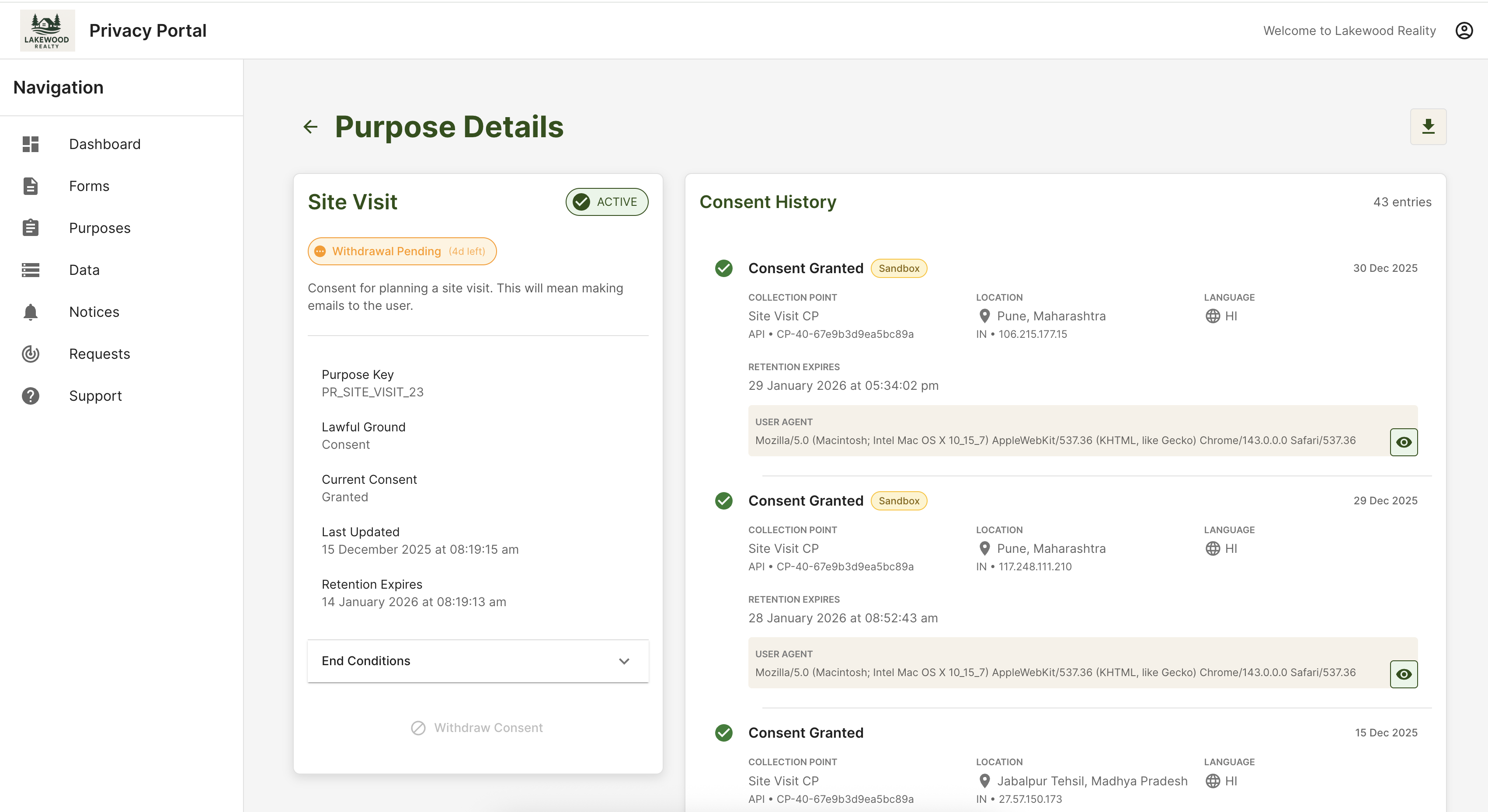
The Data Principal Portal mirrors the ledger your teams use — fewer “the hospital said something else” moments.